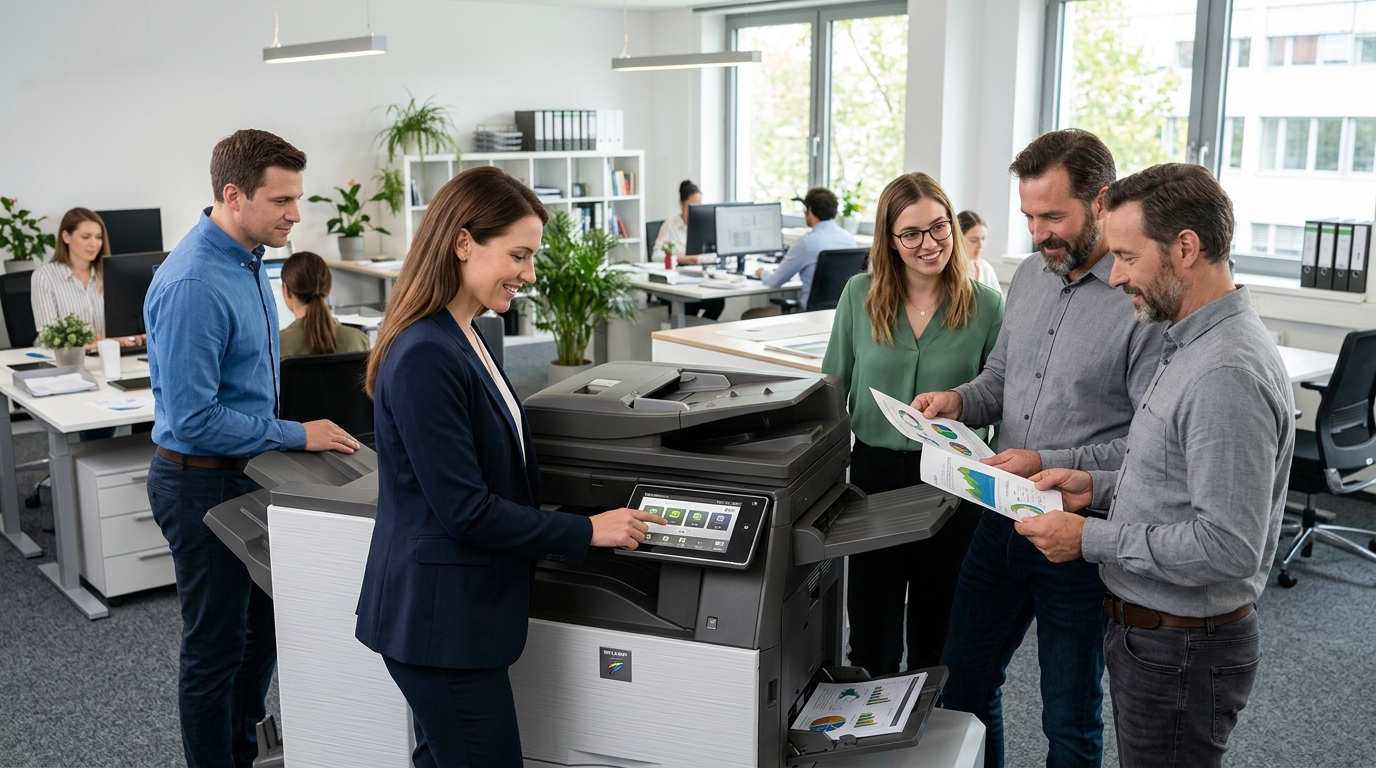
When comparing office equipment, Sharp copiers are worth evaluating alongside other multifunction devices that combine printing, copying, and scanning. The best choice depends on how your employees handle documents, how much your office prints, and which features will make daily work easier.
For businesses in Riverside County, San Bernardino County, and the Inland Empire, choosing equipment around real workflow requirements can help improve productivity while keeping operating costs under control.
What Should You Know About Sharp Copiers?
Sharp offers office multifunction equipment across different configurations. Depending on the model, features may include color or monochrome printing, document scanning, network connectivity, paper-handling options, and finishing capabilities.
Not every model includes the same features. Compare the specifications of individual devices and make sure the configuration meets your requirements.
1. Match the Copier to Your Print Volume
Start by estimating your monthly printing and copying needs.
A small office that prints occasional forms may not need the same equipment as a busy organization producing invoices, reports, contracts, and customer documents every day.
Consider the number of employees sharing the machine, peak printing periods, and expected business growth. Choose a copier that can handle your normal workload without relying on maximum advertised speed as the only deciding factor.
2. Look at Scanning and Document Workflows
Many offices spend as much time scanning and distributing documents as they do printing them.
If your employees frequently process multipage paperwork, look for an appropriate automatic document feeder and supported two-sided scanning capabilities.
Also confirm that the machine supports your preferred scan destinations, file formats, and network environment.
These details are especially important for accounting, administrative, human resources, and customer-service teams.
3. Decide Which Color Features You Need
Color printing can be valuable for presentations, charts, brochures, and other customer-facing materials. Black-and-white printing may be sufficient for routine internal documents and many forms.
Consider your actual color usage before selecting a device. If color output is important, compare image quality, supply costs, and expected volume for the specific model.
You should also evaluate paper sizes and finishing options if your office produces specialized documents.
4. Consider Security and Access Controls
A shared copier can process confidential business information. Depending on the device, security capabilities may include user authentication, secure print release, administrative permissions, and storage-management functions.
Review these features with your IT team before connecting a new copier to your network.
Make sure employees understand how to retrieve confidential print jobs and send scanned documents to approved destinations.
5. Compare Total Cost of Ownership
The cost of a copier includes more than its initial price.
Review equipment payments, toner, paper, maintenance, repair charges, and service coverage. Ask for a clear explanation of any minimum monthly fees or page-based charges.
A machine with more features is not automatically more economical. The right model is one that meets your needs without unnecessary capacity or operating expenses.
6. Decide Between Leasing, Buying, and Renting
A business with ongoing print requirements may consider buying or leasing a Sharp copier.
Buying can make sense when ownership is a priority and the upfront investment fits the budget. Leasing may spread equipment payments across a contract term, but the total commitment and end-of-term conditions should be reviewed carefully.
Rental may be more appropriate for temporary offices, special projects, or seasonal printing needs.
Service and supplies may be separate under any of these arrangements, so compare the actual terms.
7. Compare Sharp With Other Brands
Kyocera and Xerox are also worth considering when evaluating business copiers. Ricoh and Canon offer additional alternatives.
Rather than assuming one manufacturer is always superior, compare specific models for print volume, scanning, security, paper handling, supplies, and support.
The most suitable device is the one that best matches your business’s workflow and budget.
Questions to Ask Before Choosing
Before committing to a Sharp copier, ask:
- Does it support our expected monthly workload?
- Are the scanning features compatible with our workflow?
- What are the toner and supply costs?
- Which maintenance and repair services are available?
- Are the necessary security features supported?
- Is buying, leasing, or renting the best arrangement?
- What happens when a lease or service agreement ends?
These questions can help you avoid choosing equipment based on price alone.
Find a Copier That Fits Your Office
Sharp copiers may be worth considering if their available features and configurations align with your business requirements. Take time to evaluate the model, operating costs, and support arrangements before deciding.
Printer Copier Guys helps businesses in the Inland Empire explore copier equipment, leasing, rental, maintenance, and repair options.
Need help comparing office copiers? Contact Printer Copier Guys to discuss your printing volume, document workflows, and equipment priorities.