
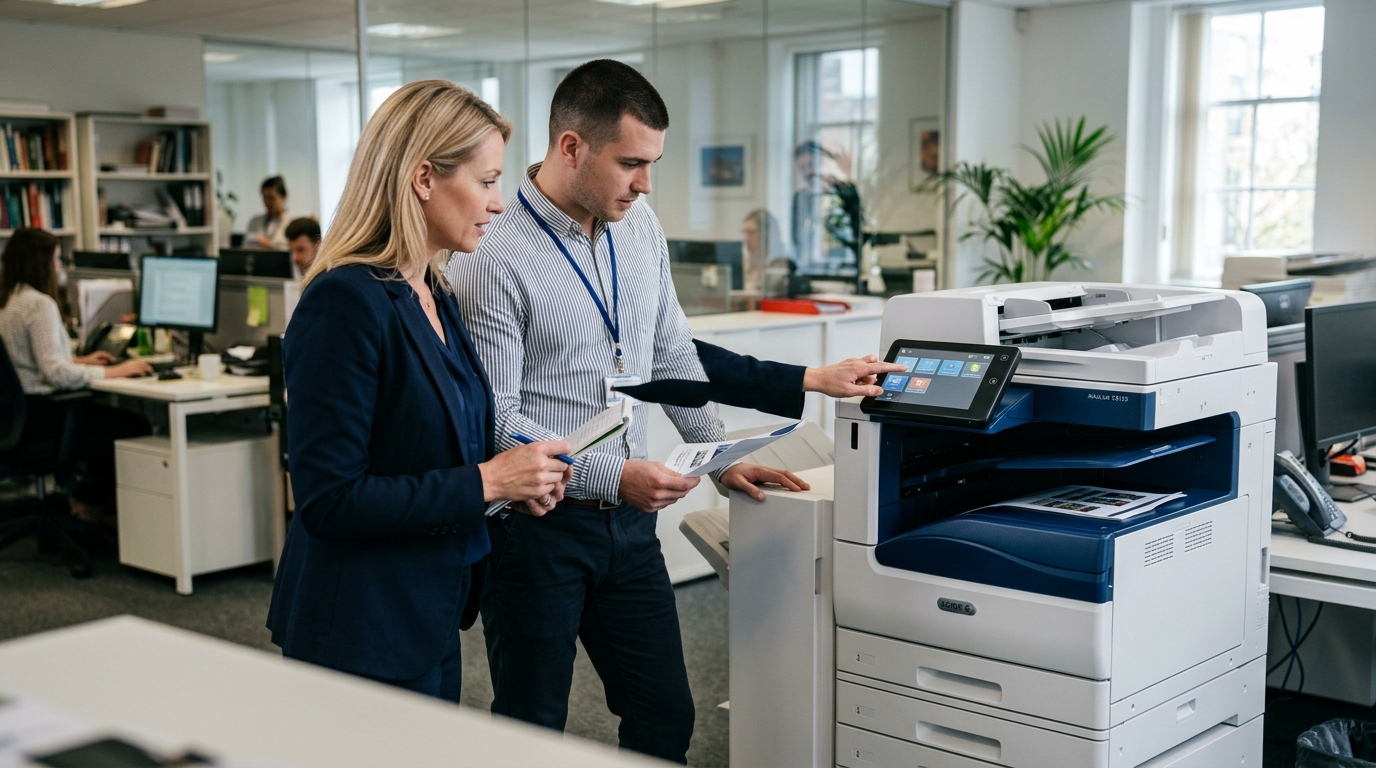
Choosing the right Xerox copiers for your business involves more than comparing prices or print speeds. Your office needs equipment that supports everyday document workflows, handles your expected print volume, and fits your budget over time.
For businesses in Riverside County, San Bernardino County, and the Inland Empire, evaluating equipment based on practical requirements can help prevent paying for unnecessary features or choosing a device that cannot keep up with demand.
Start With Your Office’s Printing Needs
Before looking at models, determine how your business uses its copier.
Consider how many pages you print monthly, how much of that volume is in color, how many employees share the device, and whether your team regularly scans multipage documents.
An office that primarily prints invoices may need different features from a marketing team that produces presentations and color materials.
Review your current equipment reports or supply purchases if you do not know your monthly volume. A realistic estimate is a better starting point than selecting a copier based on a manufacturer’s maximum speed alone.
1. Compare Print Speed and Workload
Print speed matters when several employees use the same machine or when large jobs must be completed quickly.
However, the fastest model is not necessarily the best choice for every office. Compare speed with the device’s recommended workload, paper capacity, warm-up time, and ability to handle multiple jobs.
Choose equipment that can comfortably support your routine volume while leaving room for reasonable growth.
2. Evaluate Scanning Features
Many businesses rely on scanning to send documents to email, shared folders, or document-management systems.
Look for features that match your workflow, such as automatic document feeding, two-sided scanning, supported file formats, and network compatibility.
If your office processes contracts, invoices, or employee records, reliable scanning may save more time than a small difference in printing speed.
Confirm compatibility with your existing software and network before committing to a model.
3. Consider Color and Finishing Options
Color printing may be important for charts, presentations, marketing materials, and customer-facing documents. Other offices may primarily need economical black-and-white output.
Also consider whether your employees need finishing options such as stapling, sorting, or booklet production. These capabilities vary by model and configuration.
Avoid paying for advanced finishing features if your business rarely uses them. Instead, prioritize the functions that employees rely on every day.
4. Review Security Features
Office copiers can process sensitive documents and connect to business networks. Security should be part of your selection process.
Depending on the model, relevant capabilities may include user authentication, secure print release, administrative access controls, and supported storage-management features.
Ask your IT team to review network compatibility and security requirements. Confirm which features are available on the specific Xerox model you are considering.
5. Understand Operating Costs
The purchase price or monthly payment does not tell you the entire cost of using a copier.
Compare toner, other consumables, maintenance, repairs, paper capacity, and any service agreement charges. Ask about the cost per page and whether your expected print volume is covered by the proposed arrangement.
A device that fits your workload may help reduce waste and unnecessary service interruptions. However, actual costs depend on usage, supplies, maintenance, and contract terms.
6. Decide Whether to Buy, Lease, or Rent
Businesses with ongoing printing requirements may compare purchasing with a longer-term lease. Purchasing can provide ownership, while leasing may spread equipment payments over the contract period.
Rental can be worth considering when the need is temporary, such as an event, short-term office, or project.
Whichever arrangement you choose, review the complete contract. Pay attention to service coverage, supply costs, payment obligations, and end-of-term conditions.
7. Compare Xerox With Other Brands
Xerox is one option among several office equipment manufacturers. Kyocera, Sharp, Ricoh, and Canon also offer models with different configurations and capabilities.
A fair comparison should focus on the specific devices under consideration. Evaluate print volume, scanning features, security, supplies, service arrangements, and total cost.
Do not assume that every model within a brand has the same capabilities.
8. Ask About Service and Support
Even dependable equipment requires appropriate maintenance and may need repairs. Before selecting a provider, understand how service requests are handled and which parts, labor, and preventive maintenance activities are covered.
For Inland Empire businesses, confirm that the provider serves your location and can support the equipment you plan to use.
Ask about the process for reporting problems, expected response arrangements, and any service exclusions.
A Practical Checklist Before You Buy
Use these questions to narrow your choices:
- What is our average monthly print volume?
- Do we need color printing?
- How frequently do we scan multipage documents?
- How many employees will share the copier?
- Which security features are required?
- What is our total equipment and operating budget?
- Will we buy, lease, or rent?
- What service coverage is available?
The answers will help you compare models based on actual business requirements.
Find the Right Xerox Copier for Your Office
The right copier should support your team’s workflow without adding unnecessary costs or complexity. Compare equipment capabilities, operating expenses, and service arrangements before making a final decision.
Printer Copier Guys helps businesses in Riverside County and San Bernardino County evaluate copier options, including leasing, rental, maintenance, and repair.
Ready to discuss your office’s printing needs? Contact Printer Copier Guys to explore suitable equipment and determine which features matter most for your business.