
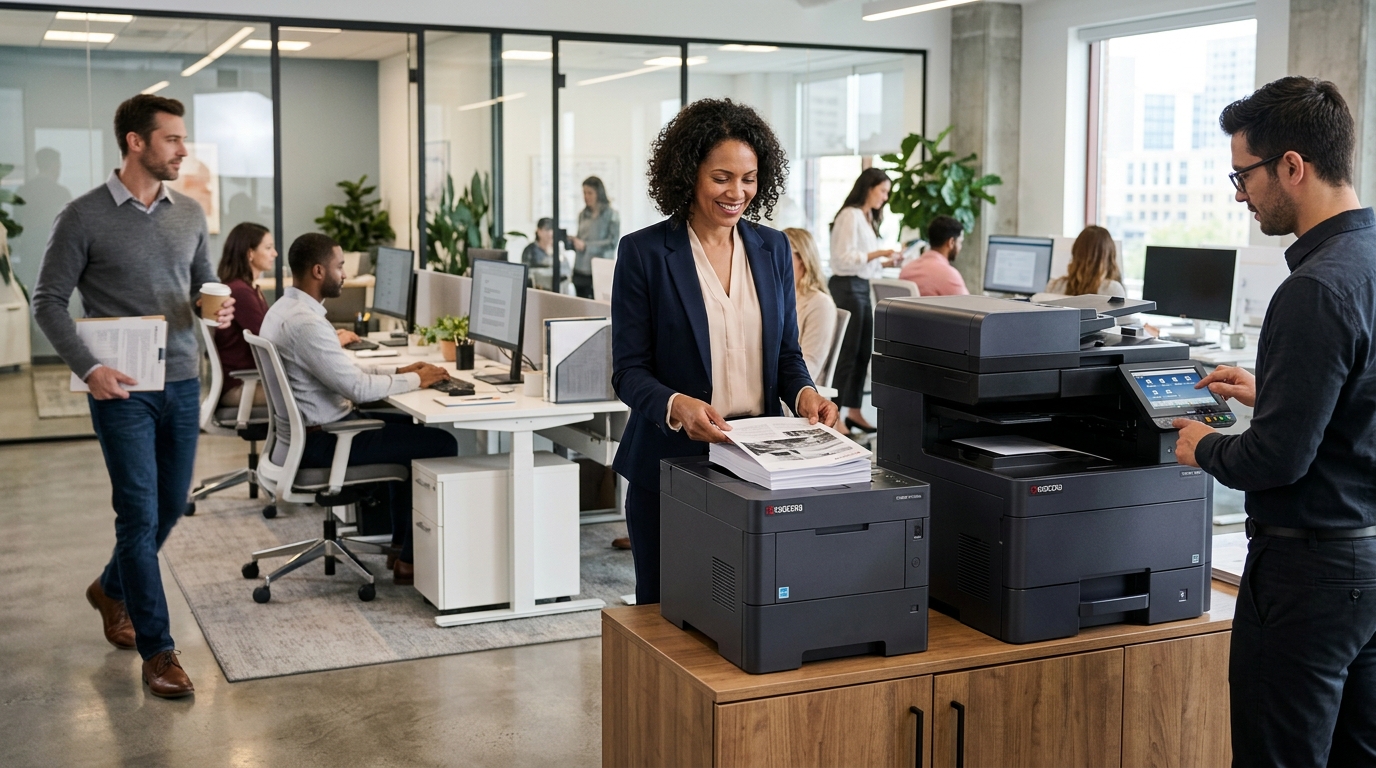
Businesses evaluating Kyocera copiers often want equipment that can support everyday printing, copying, and scanning while keeping operating requirements manageable. The right model depends on your workload, document-handling needs, budget, and plans for future growth.
For businesses in Riverside County and San Bernardino County, comparing equipment based on practical office requirements can help narrow the options and avoid paying for features that won’t be used.
What Makes Kyocera Copiers Worth Considering?
Kyocera offers office equipment in different configurations, including multifunction models designed for business document workflows. Depending on the specific model, features may include color or monochrome printing, scanning, network connectivity, and different paper-handling capabilities.
Some models are suited to smaller workgroups, while others are designed for more demanding office environments.
The important step is to compare the specifications of the actual devices available for your business rather than assuming all Kyocera copiers have identical capabilities.
1. Evaluate Your Monthly Printing Requirements
Before choosing a model, estimate how many pages your office produces each month.
Look at your average volume, peak periods, and expected growth. Also consider how many employees will share the machine and whether multiple departments depend on it for time-sensitive documents.
A copier should be capable of supporting your normal workload without unnecessary expense. Print speed matters, but paper capacity, scanning performance, and reliability under your expected usage are also important.
2. Consider the ECOSYS and TASKalfa Families
Kyocera’s ECOSYS and TASKalfa families include different types of office printing equipment.
ECOSYS devices include printers and multifunction products that may suit smaller workgroups or offices seeking a compact setup. TASKalfa devices include multifunction systems across a range of business requirements.
The appropriate choice depends on the particular model and configuration. Compare speed, recommended workload, color capabilities, paper sizes, scanning features, and finishing options before making a decision.
Do not assume that a product family name alone tells you whether a device is suitable for your office.
3. Look Beyond the Purchase Price
The initial equipment price is only one component of the overall cost.
Consider toner, paper, other consumables, preventive maintenance, repairs, and any service agreement charges. If you are leasing, include the total contract payments and any applicable fees.
Ask for information about expected operating costs based on your estimated print volume. Your actual cost per page will depend on the model, document coverage, supply pricing, and usage.
A useful comparison evaluates the complete cost of operating the equipment, not simply the lowest advertised price.
4. Check Scanning and Connectivity
A business copier should fit the way your employees manage documents.
If your team regularly scans invoices, contracts, or multipage forms, review automatic document feeding and two-sided scanning capabilities.
Confirm compatibility with your network, computers, approved email systems, and shared folders. Your IT team may need to assist with configuration, permissions, and security settings.
These checks can prevent avoidable setup problems after installation.
5. Review Security Features
Business copiers may process sensitive information, so consider security during equipment selection.
Depending on the model, relevant capabilities may include secure print release, user authentication, administrator controls, and internal storage-management functions.
Confirm which features are supported and coordinate with your IT team to configure the device appropriately.
Also establish procedures for collecting confidential printouts and securely handling stored data when equipment is replaced or returned.
6. Decide Whether to Lease or Buy
Buying a Kyocera copier may suit businesses that want ownership and can cover the upfront investment.
A copier lease may spread payments across a contract term, potentially making it easier to plan equipment expenses. However, businesses should compare the total commitment, service arrangements, and end-of-term obligations.
Rental may suit short-term projects or temporary printing needs.
The right arrangement depends on how long you need the equipment, your budget, and the terms offered. Review the complete agreement before signing.
7. Compare Service and Maintenance Options
Even well-chosen equipment needs appropriate maintenance. Ask which service options are available, whether labor and parts are included, and how service requests are handled.
A clear support arrangement can help employees understand what to do when print quality deteriorates, paper jams recur, or error messages appear.
For businesses in the Inland Empire, confirm that your chosen provider supports your location and the specific Kyocera model you plan to use.
8. Compare Kyocera With Other Brands
Xerox, Sharp, Ricoh, and Canon also offer office printing equipment.
A meaningful comparison should look at individual models and consider the same factors for each: monthly volume, print speed, scanning, security, paper capacity, operating costs, and support.
The best choice is not necessarily the most expensive machine or the one with the longest feature list. It is the device that meets your requirements at an acceptable total cost.
Find the Right Kyocera Copier for Your Business
Kyocera copiers may be a good fit when a model’s capabilities align with your office’s printing and scanning requirements. Start by identifying your workload, essential features, budget, and support needs.
Printer Copier Guys helps businesses in Riverside County, San Bernardino County, and the Inland Empire explore copier leasing, rental, maintenance, and repair options.
Ready to evaluate Kyocera equipment for your office? Contact Printer Copier Guys to discuss your print volume and find out which equipment options may suit your business.