
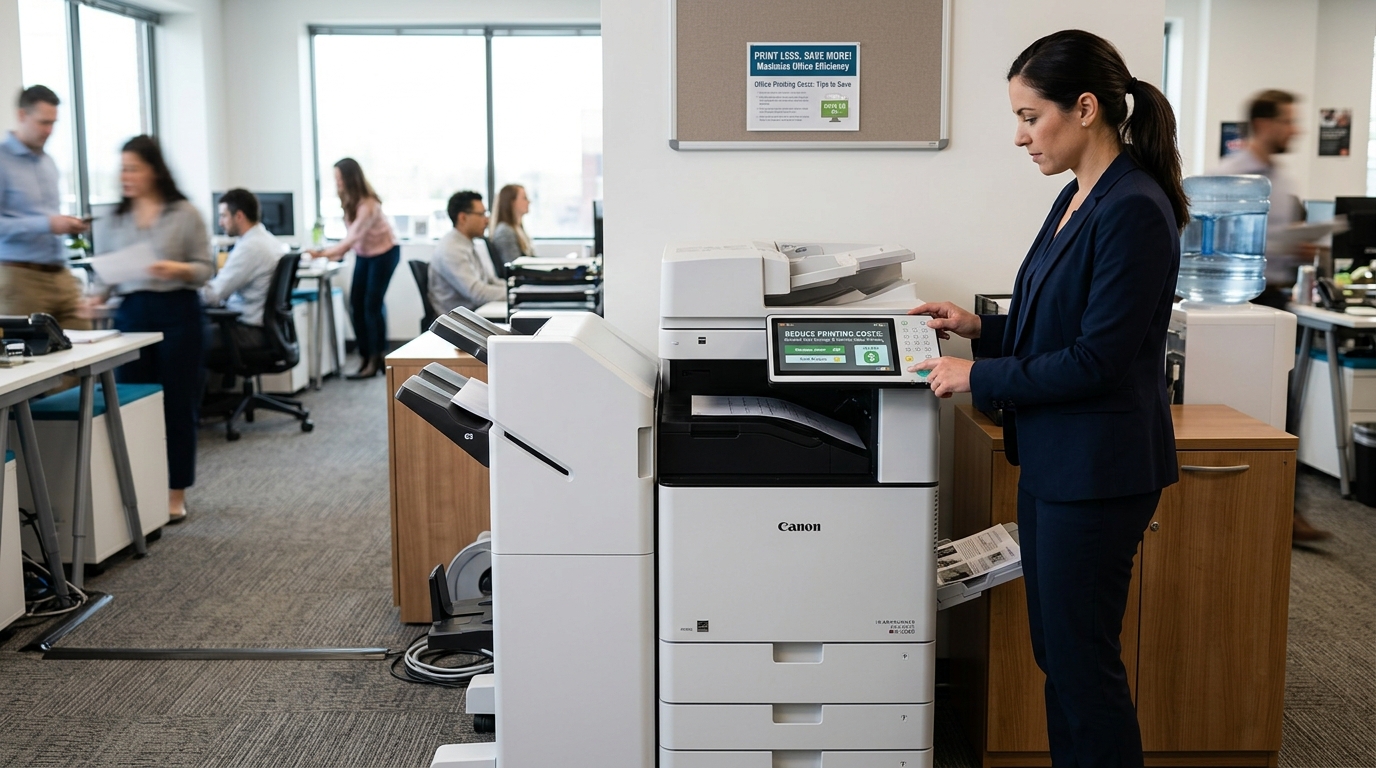
Printing can become an overlooked business expense. Paper, toner, maintenance, equipment, and service can all add up, especially in offices where employees print hundreds or thousands of pages every month. The good news is that businesses can often reduce office printing costs without eliminating printing altogether.
The key is understanding where your printing budget is going and finding practical ways to reduce waste.
Here are several strategies businesses can implement.
1. Track How Much You’re Printing
You can’t effectively reduce printing costs if you don’t know how much you’re printing.
Start by reviewing your copier meter readings.
Look at your monthly volume and identify trends.
Is printing increasing?
Which departments print the most?
How much of your printing is color?
How much is double-sided?
These numbers can help identify opportunities to reduce unnecessary printing.
2. Encourage Duplex Printing
Two-sided printing is one of the simplest ways to reduce paper consumption.
Instead of printing a five-page document on five sheets, duplex printing can place information on both sides.
This can significantly reduce paper usage in offices that produce large amounts of documentation.
Many modern multifunction copiers allow businesses to set duplex printing as the default.
3. Reduce Unnecessary Color Printing
Color printing can be useful, but not every document needs it.
Internal drafts, meeting notes, routine forms, and other documents may be perfectly adequate in black and white.
Consider making black-and-white printing the default and allowing employees to select color when it is genuinely useful.
This can help reduce color toner consumption.
4. Use Digital Workflows
One of the best ways to reduce printing is to avoid printing documents that don’t actually need to be printed.
Instead of printing a document for approval, consider digital review.
Instead of printing a copy for every employee, share it electronically.
Instead of keeping duplicate paper files, consider digital document storage where appropriate.
Scanning can also help turn paper documents into digital files.
5. Make Better Use of Scanning
Modern multifunction copiers can do much more than print.
Scanning can help reduce paper movement throughout the office.
Employees can scan documents to email, network folders, or supported cloud workflows.
If your business still relies heavily on photocopying documents that are eventually stored digitally, improving your scanning workflow may reduce unnecessary printing.
6. Monitor Color Usage
Color printing isn’t necessarily bad.
The goal is to use it intentionally.
Review your office’s color printing volume.
If employees are regularly printing long internal documents in color, establish guidelines for when color should be used.
For customer-facing proposals, presentations, and marketing materials, color may be worthwhile.
For internal documents, black and white may be sufficient.
7. Choose the Right Copier
Your copier itself can affect your printing costs.
A machine that is too small for your business may struggle with the workload.
A machine that is significantly larger than necessary may provide capabilities your business rarely uses.
The right equipment should match your print volume and workflow.
Businesses can evaluate equipment from Xerox, Kyocera, Sharp, Ricoh, Copystar, and Canon.
Compare operating requirements in addition to the equipment price.
8. Consider a Copier Lease
A copier lease can help businesses structure equipment costs over time.
Instead of purchasing equipment outright, businesses may use a lease arrangement to spread equipment expenses over an agreed period.
If you are considering leasing, don’t focus only on the monthly payment.
Review the entire agreement.
Understand service, toner, usage, overages, end-of-term provisions, and other potential expenses.
9. Keep Your Copier Maintained
Maintenance isn’t just about preventing breakdowns.
A properly maintained copier can also help keep print quality consistent and equipment performance reliable.
Poorly maintained equipment may produce defective pages that have to be printed again.
That means wasted paper and toner.
Preventive maintenance can help identify worn components before they create larger problems.
10. Train Employees
Sometimes printing waste isn’t caused by the copier.
It’s caused by habits.
Employees may accidentally print multiple copies, forget to use duplex printing, or print documents that could have been shared digitally.
Simple training can help.
Show employees how to:
- Print double-sided
- Select black and white
- Preview documents
- Cancel unnecessary jobs
- Scan instead of copy
- Use secure printing
Small changes can add up across a large organization.
11. Use Print Preview
Encourage employees to preview documents before printing.
A single blank page or incorrectly formatted spreadsheet can result in unnecessary printing.
Print preview allows users to catch many problems before they reach the copier.
This is especially useful for spreadsheets and long documents.
12. Avoid Printing Every Email
Email is another common source of unnecessary printing.
Many employees still print messages simply because that is how they’ve always worked.
Consider whether the document actually needs to exist on paper.
If it doesn’t, keep it digital.
13. Consolidate Equipment When Appropriate
Some businesses accumulate printers and copiers over time.
One department gets a printer.
Another gets a copier.
Then another machine is added.
Eventually, the organization may be maintaining more devices than it actually needs.
A multifunction copier can sometimes consolidate printing, copying, and scanning into one device.
Whether consolidation makes sense depends on the business.
14. Review Your Copier Agreement
If you’re leasing or receiving service under a copier agreement, review the terms periodically.
Understand:
- Monthly volume
- Included service
- Toner
- Meter billing
- Overage charges
- Equipment terms
If your printing volume has changed significantly, your current arrangement may no longer be the most appropriate fit.
15. Measure the Results
After implementing new printing policies, measure the results.
Compare monthly meter readings.
Track toner usage.
Review paper purchases.
Look at service calls.
This tells you whether your changes are actually reducing costs.
Final Thoughts
Reducing office printing costs doesn’t mean telling employees to stop printing.
It means making printing more intentional.
Track your usage, encourage duplex printing, reduce unnecessary color output, use scanning and digital workflows, maintain equipment, and choose a copier that fits your business.
Small improvements can make a noticeable difference over time.
If your business is considering new copier equipment, a copier lease, or ways to improve its existing printing setup, Printer Copier Guys can help businesses in Riverside and San Bernardino counties evaluate their options.
Looking for ways to make your office printing more efficient? Contact Printer Copier Guys to discuss your copier and printing needs.