
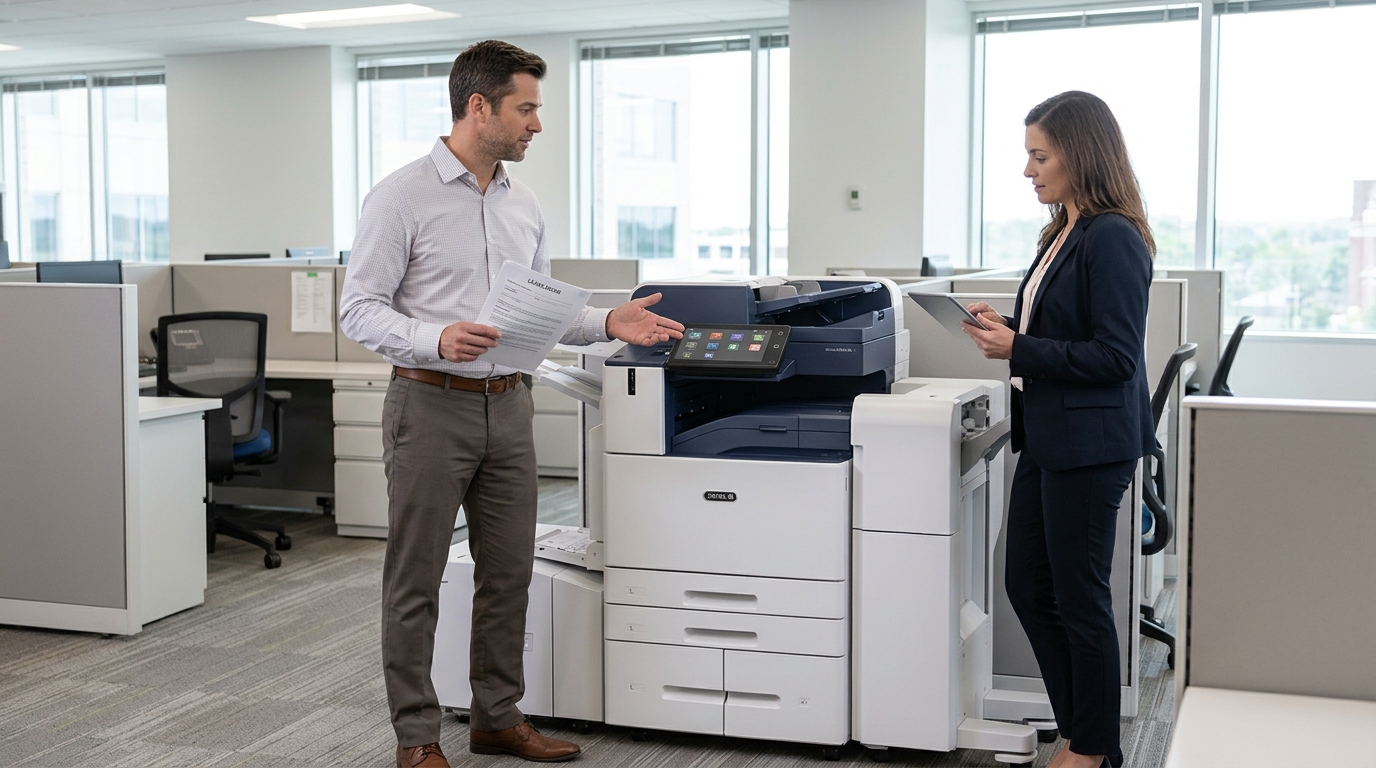
As businesses grow, their printing and document management requirements can change. A copier that worked well when your company had five employees may no longer be sufficient when your team expands to twenty or more.
If you have an existing copier lease in the Coachella Valley, you may be wondering whether you can upgrade your equipment before the agreement expires.
The answer depends on your lease contract and the leasing provider’s available options.
Businesses in Palm Desert, Palm Springs, Indio, La Quinta, and San Bernardino should understand how copier upgrades work before making changes to their existing equipment agreements.
1. Why Would a Business Need to Upgrade Its Copier?
There are several reasons a company may outgrow its current copier.
Increased Printing Volume
As a business hires additional employees or expands its operations, monthly printing volume may increase.
An older or smaller copier may struggle to handle the additional workload efficiently.
Upgrading to a higher-capacity machine can provide faster printing and improved paper handling.
Need for Faster Printing
A copier that produces documents at a slower speed may create delays when several employees need to print simultaneously.
A newer commercial copier may offer faster output and improved workflow capabilities.
Additional Scanning Requirements
Businesses increasingly rely on digital document workflows.
If your existing machine has limited scanning features, upgrading may provide faster scanning, duplex document feeding, and improved network integration.
New Business Requirements
A company may begin producing more color documents, larger paper formats, or professionally finished materials.
A different copier model may be better suited to these requirements.
Equipment Reliability
Frequent paper jams, mechanical issues, and recurring repairs can make an older copier less practical.
Depending on the machine’s condition and contract, upgrading may be worth evaluating against the cost of continued maintenance.
2. Can You Upgrade Before Your Lease Expires?
Some copier leasing agreements allow businesses to upgrade equipment before the original contract ends.
However, an upgrade is not automatically guaranteed.
The available options depend on the leasing company, financing arrangement, current equipment agreement, and remaining financial obligations.
Possible arrangements may include:
Early equipment replacement: The provider may allow the business to replace its existing copier with a newer model under an updated agreement.
Lease restructuring: In certain situations, the remaining financial obligations may be incorporated into a revised arrangement.
Additional equipment: Instead of replacing the original machine, the business may be able to add another copier to accommodate increased printing volume.
Upgrade at the end of the term: The business may wait until the current lease expires before selecting newer equipment.
Each arrangement has different financial and contractual implications.
Always request written terms before agreeing to an early upgrade.
3. What Should You Review Before Upgrading?
Before making changes to your existing copier lease, carefully review the contract.
Pay attention to the following details:
- Remaining lease payments.
- Early termination conditions.
- Equipment replacement provisions.
- Upgrade eligibility.
- Equipment return requirements.
- Potential fees and charges.
- New contract duration.
- Updated monthly payments.
You should also determine whether the current agreement is a direct equipment lease or a combined arrangement involving a separate service agreement.
The equipment financing and service components may have different terms.
Understanding both agreements is essential before making a decision.
4. Will Upgrading Increase Your Monthly Payment?
It may, depending on the equipment selected and the financial arrangement.
A newer copier with higher printing speeds, advanced scanning, additional paper trays, and finishing capabilities may cost more than your existing equipment.
However, the overall financial impact depends on several factors.
These may include:
- New equipment pricing.
- Remaining obligations on the existing lease.
- Current monthly payments.
- Service agreement costs.
- Monthly print volume.
- Toner and supply expenses.
- Available upgrade incentives.
Do not compare equipment based solely on the new monthly payment.
Instead, request a breakdown showing the remaining financial obligation, the cost of the replacement machine, and the total cost of the revised agreement.
5. Should You Upgrade or Keep Your Existing Copier?
An upgrade may not always be necessary.
If your existing copier still meets your business requirements and operates reliably, continuing with the current equipment may be the more economical choice.
However, upgrading may be worth considering when:
- Your printing volume has increased substantially.
- Employees regularly experience printing delays.
- The machine lacks essential scanning features.
- Repairs are becoming more frequent.
- The equipment no longer supports your workflow.
- Your business needs improved security capabilities.
A professional equipment assessment can help you determine whether your existing machine is still suitable.
6. What Copier Features Should You Consider When Upgrading?
If you decide to upgrade, consider equipment that addresses your current challenges.
Important features may include:
Higher print speeds: Useful for offices with multiple employees and substantial daily printing requirements.
Larger paper capacity: Helps reduce the need for frequent paper tray refills.
Advanced scanning: Features such as duplex scanning and network folder integration can improve document workflows.
Color printing: Useful for marketing materials, presentations, and customer-facing documents.
Finishing options: Stapling, hole punching, and booklet creation can support organizations that regularly prepare professional documents.
Security features: User authentication and secure printing can help protect sensitive business information.
The goal is to choose equipment that supports your business over the coming years.
7. Copier Upgrade Options for Businesses in Palm Desert and San Bernardino
Businesses throughout the Coachella Valley and San Bernardino County operate in different industries and have different equipment requirements.
A growing professional office in Palm Desert may need a faster multifunction copier, while a larger organization in San Bernardino may require a high-volume commercial machine.
Businesses in Palm Springs, Indio, La Quinta, Cathedral City, Rancho Mirage, and nearby communities may also benefit from reviewing their current equipment agreements as their operations change.
Before upgrading, ask your copier provider to evaluate your current equipment, review your existing contract, and explain the available replacement or expansion options.
Final Thoughts
Upgrading an office copier during an existing lease may be possible, but the available options depend on your contract and leasing arrangement.
Before replacing your equipment, review the remaining financial obligations, potential fees, new monthly payments, and service agreement terms.
A properly planned upgrade can help your business accommodate increased printing volume, improve document workflows, and access newer office technology.
If your business is considering a copier upgrade in Palm Desert, Palm Springs, the Coachella Valley, or San Bernardino, start by reviewing your current equipment needs and existing lease agreement.
Thinking about upgrading your office copier? Request a consultation to evaluate your current equipment and explore copier leasing options that support your growing business.