
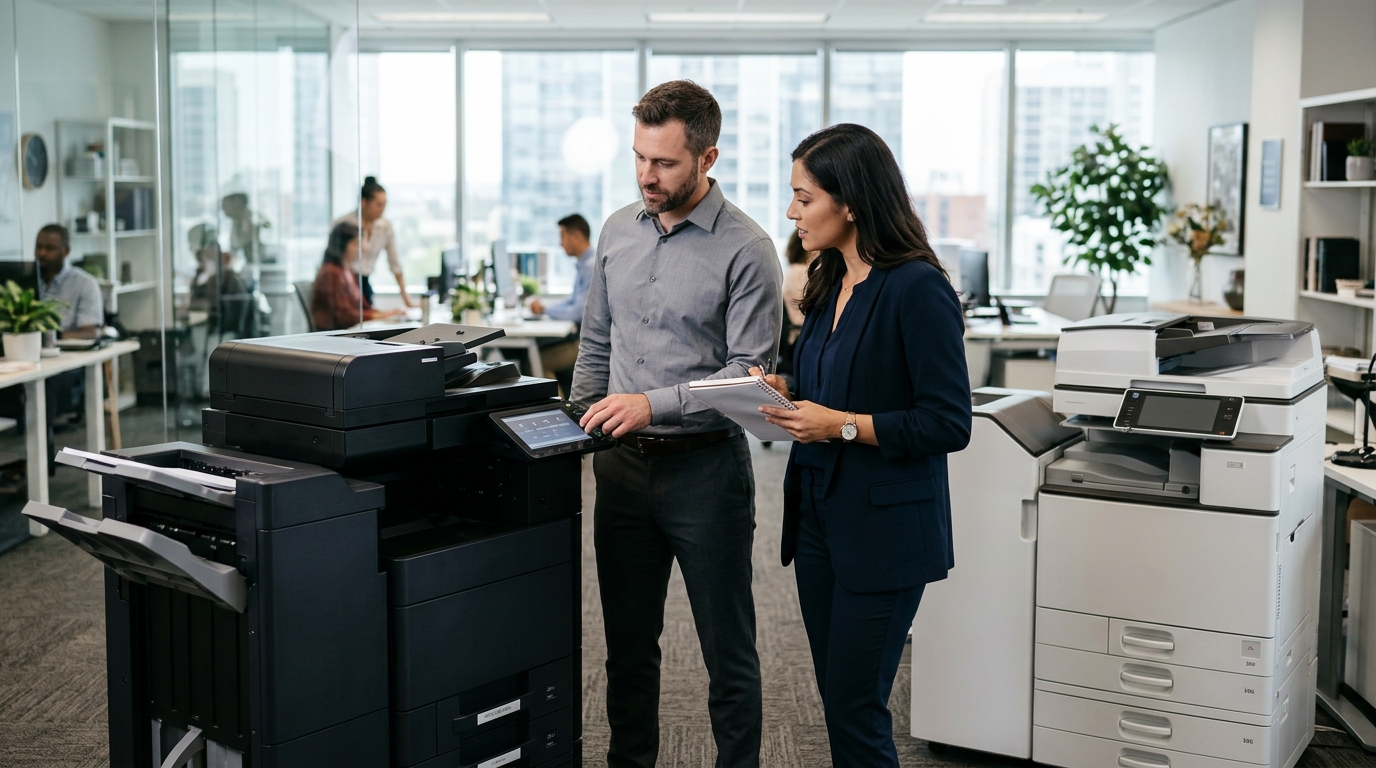
Businesses searching for commercial copiers in Riverside County often have several equipment brands to consider. With different manufacturers offering multifunction printers, production copiers, and office printing systems, choosing the right brand can feel overwhelming. However, the best copier is not necessarily the most expensive or the one with the most features. It is the equipment that matches your organization’s printing volume, document requirements, workflow, and budget.
For companies in Riverside, Corona, Moreno Valley, Ontario, and surrounding communities, understanding the differences between copier brands can make equipment selection easier.
Here are several factors to consider when comparing office copier manufacturers.
1. Start With Your Business’s Printing Environment
Before comparing manufacturers, identify how your employees use office printing equipment.
A small professional office may need a reliable multifunction printer for everyday documents, while a larger organization may require multiple machines to support different departments.
Consider the following:
- How many employees share the copier?
- What is your estimated monthly print volume?
- Do you frequently print in color?
- Are large documents part of your daily workflow?
- Do employees need high-speed scanning?
- Does your business require finishing features?
- Will the copier be connected to several computers?
These details provide a useful starting point when comparing different equipment brands.
2. Consider Kyocera Copiers for Everyday Office Workflows
Kyocera is a recognized manufacturer of business printing equipment, including multifunction printers designed for office environments.
Depending on the model, Kyocera devices can combine printing, copying, and scanning in one machine.
Businesses evaluating Kyocera equipment may want to compare:
- Available print speeds
- Monthly operating requirements
- Paper handling capacity
- Color and black-and-white options
- Network printing capabilities
- Scanning functionality
- Available finishing accessories
Kyocera offers different product categories for organizations with different document requirements.
A smaller office may have different needs from a company that regularly processes large volumes of paperwork. Selecting the appropriate model is therefore more important than choosing equipment based on the brand name alone.
3. Explore Xerox Copiers for Different Business Printing Needs
Xerox is another established name in commercial printing and office document technology.
Its product lineup includes office multifunction printers as well as more advanced production printing equipment.
Depending on the model and configuration, Xerox equipment can support workflows involving:
- Everyday office printing
- Color business documents
- Large document batches
- Professional presentations
- High-volume printing
- Document scanning and copying
Businesses should compare the capabilities of individual Xerox models rather than assuming every machine offers the same performance.
For example, a company producing everyday administrative documents may need a different configuration from a business that regularly prepares professional color materials.
4. Look Beyond the Manufacturer’s Name
Although brand reputation is important, several practical considerations should influence your final decision.
Printing speed: Consider how quickly the equipment can process the documents your employees regularly produce. A copier that is too slow may create unnecessary waiting during busy periods.
Paper capacity: Businesses with frequent large printing jobs may benefit from additional paper capacity. This can reduce the need for employees to refill trays throughout the day.
Scanning functionality: Modern offices increasingly rely on digital documents. Consider whether the machine supports the scanning destinations and file formats your employees need.
Color capabilities: If your organization produces customer presentations, charts, or marketing documents, color printing may be an important requirement.
Security features: Businesses handling confidential documents should evaluate available user authentication, secure printing, and document management capabilities.
Service support: Equipment support and parts availability should also be considered. A suitable copier needs to be supported throughout its operating life.
5. Match Copier Features to Your Industry
Different industries use office printing equipment in different ways.
Choosing equipment based on your actual workflow can help avoid unnecessary features and operational limitations.
Professional and Legal Offices
Law firms, consultants, and professional service providers frequently process contracts, reports, correspondence, and client records.
They may benefit from multifunction copiers with reliable scanning, document handling, and secure printing capabilities.
Healthcare and Medical Offices
Medical administrative environments often handle forms, patient-related paperwork, appointment documents, and internal records.
Equipment selection should consider document security, reliable scanning, and the organization’s applicable privacy and compliance requirements.
Construction and Engineering Companies
Construction and engineering offices may require equipment that can handle larger document formats, technical reports, and project paperwork.
Some businesses may also need specialized wide-format printing equipment depending on their drawing and plan requirements.
Retail and Distribution Businesses
Retailers and distribution companies regularly print invoices, purchase orders, inventory reports, and administrative documents.
Their equipment requirements may focus on dependable everyday printing and convenient access for multiple employees.
6. Consider the Total Equipment Requirements
The initial equipment price is only one part of selecting a copier.
Businesses should also evaluate the ongoing requirements associated with operating the machine.
These may include:
- Toner and consumable supplies
- Replacement parts
- Preventive maintenance
- Repair support
- Electricity consumption
- Printing volume
- Equipment upgrades
A copier with advanced features may not necessarily be the most suitable option if your office does not use those capabilities.
The goal is to find equipment that provides the functionality your employees need without unnecessarily complicating your office printing environment.
7. Should You Buy, Lease, or Rent Your Copier?
Once you have identified the appropriate equipment, consider how your business wants to obtain it.
Purchasing may be suitable for companies that prefer to own their equipment.
Leasing can provide access to commercial copiers through an agreed financing arrangement, while rental options may be appropriate when equipment is needed temporarily.
The best arrangement depends on your organization’s budget, equipment requirements, and expected usage.
Before making a decision, review the agreement terms, service arrangements, and any additional operating charges.
8. Why Work With a Local Copier Provider?
Comparing equipment online can help you understand available features, but selecting a commercial copier often requires a closer look at your actual office environment.
A local equipment provider can help discuss your printing volume, recommend suitable configurations, and explain available service arrangements.
For businesses in Riverside County and San Bernardino County, working with a provider familiar with the local area can also make it easier to coordinate equipment inquiries and ongoing support.
Printer Copier Guys helps businesses explore office copier and printer solutions, including equipment from recognized manufacturers such as Kyocera and Xerox.
The company supports organizations across industries, including professional services, retail, healthcare, education, and financial services.
Find Commercial Copiers for Your Riverside County Business
Choosing between copier brands is easier when you understand your office’s document requirements.
Whether you are considering Kyocera, Xerox, or another manufacturer, focus on the features, capacity, service support, and equipment configuration that best match your business.
If you are searching for commercial copiers in Riverside County, Printer Copier Guys can help you explore available printing equipment and discuss solutions for your workplace.
Contact Printer Copier Guys to discuss your printing needs and request a personalized equipment quote.
Printer Copier Guys
Phone: 760-250-8037
Email: sales@pcgcopiers.com
Website: https://pcgcopiers.com/