
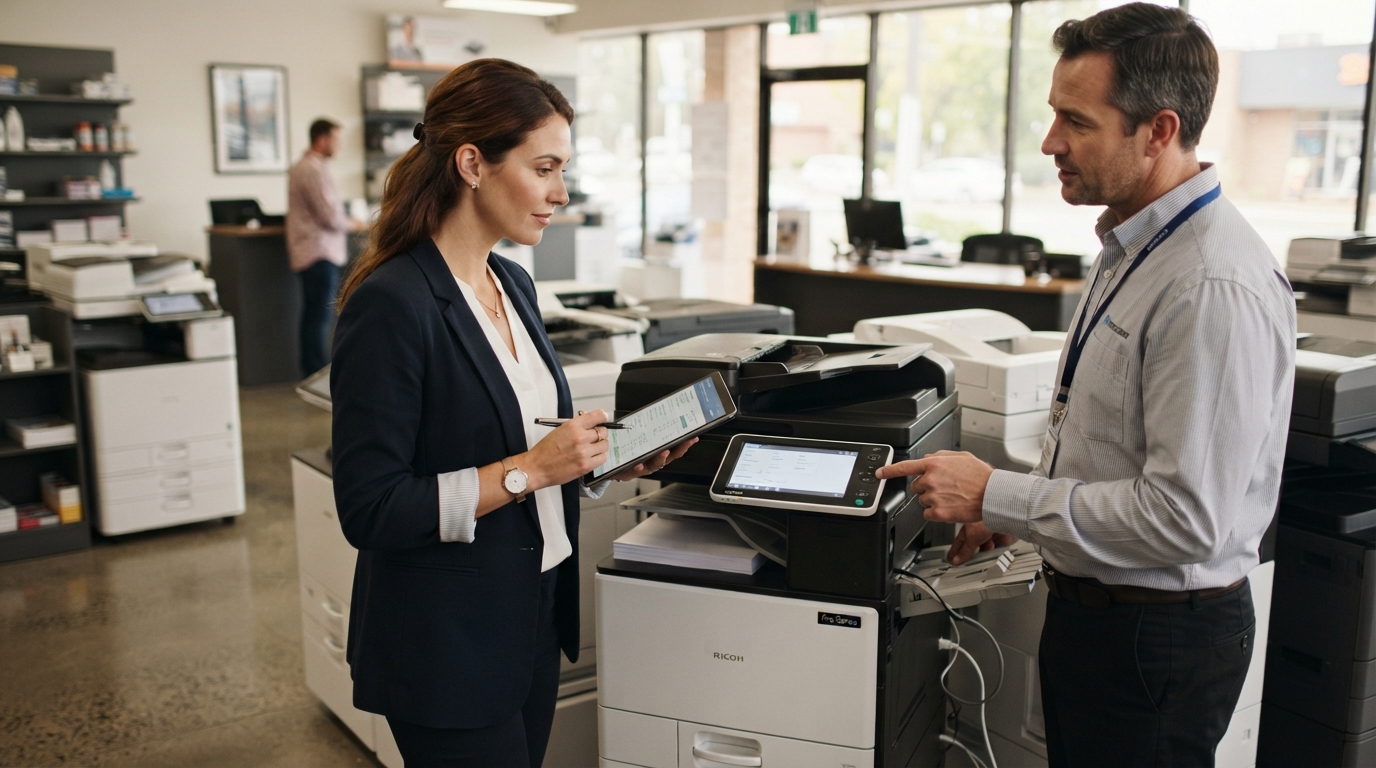
Choosing a small business copier is about more than finding a machine that prints documents. The right equipment can help employees work efficiently, simplify scanning, support customer service, and keep operating costs under control. The wrong choice may lead to slow output, unnecessary expenses, and frustrating workflow limitations.
For small businesses in Riverside County and San Bernardino County, understanding print volume, required features, and available service options can make equipment decisions easier.
1. Estimate Your Monthly Print Volume
Start by estimating how many pages your business prints and copies each month. If possible, review existing copier reports, supply purchases, or invoices to establish a realistic baseline.
Consider both black-and-white and color printing. Also think about whether your volume changes significantly during busy seasons.
A business printing a few hundred pages monthly may have very different needs from an office producing thousands of pages every week.
Avoid choosing equipment based only on your current average. Consider whether your team is likely to grow or whether new contracts could increase printing demand.
2. Decide Whether You Need a Multifunction Copier
Many small businesses benefit from a multifunction device that combines printing, copying, and scanning.
This can simplify office workflows and reduce the need for several separate machines. Automatic document feeders and two-sided scanning can also save time when employees process contracts, invoices, applications, and other multipage documents.
However, not every business needs every feature. Identify the tasks your team performs most often before paying for advanced capabilities.
3. Choose Between Color and Black-and-White
Color printing is useful for presentations, charts, marketing materials, and documents where visual detail matters.
Black-and-white equipment may be suitable when most documents are invoices, internal forms, reports, or routine correspondence.
If your business needs both, compare the cost and convenience of a color multifunction copier with a separate monochrome device. Your monthly volume and the types of documents you produce will help determine the most practical setup.
4. Compare Total Operating Costs
The equipment price or monthly payment is only part of the cost.
Consider:
- Equipment purchase or lease payments.
- Toner and other consumables.
- Paper and specialty media.
- Maintenance and repair expenses.
- Service agreement charges.
- Potential downtime and employee productivity losses.
Ask about the cost per page, included service coverage, supply responsibilities, and any minimum monthly charges.
A lower equipment price may not mean a lower total cost if the machine is poorly suited to your workload or requires frequent service.
5. Evaluate Copier Brands and Models
Kyocera, Xerox, Sharp, Ricoh, Canon, and other manufacturers offer office equipment with different capabilities and configurations.
Rather than selecting a brand based on reputation alone, compare specific models.
Look at printing speed, recommended workload, paper capacity, scanning performance, finishing options, network compatibility, security features, and supply costs.
Make sure the proposed device supports your most important workflows. For example, a business that scans signed documents every day may value feeder performance and scan-to-folder capabilities more than advanced finishing features.
6. Consider Leasing, Buying, or Renting
The best equipment arrangement depends on your budget and how long you expect to use the machine.
Buying may appeal to businesses that want ownership and can cover the upfront cost. Remember that ownership does not automatically include repairs, supplies, or ongoing support.
Leasing can spread equipment payments over a contract term. Review the total payment commitment, service arrangements, end-of-term choices, and any fees before signing.
Renting may suit temporary offices, short-term projects, events, or businesses that need additional capacity for a limited period.
Compare the complete agreements rather than focusing only on the advertised monthly payment.
7. Don’t Overlook Security and Connectivity
Your copier should work with your existing office network and document processes. Confirm compatibility with your computers, operating systems, and approved scanning destinations.
Security is also important. Ask about supported user authentication, secure print release, administrator controls, firmware updates, and internal storage management.
Work with your IT provider to determine which features are appropriate for your organization.
8. Check Local Service and Support
A copier is a business tool, so reliable support matters when something goes wrong.
Before choosing a provider, ask how service requests are handled, which parts and labor are covered, whether preventive maintenance is available, and what response arrangements apply to your location.
For businesses in Riverside and San Bernardino counties, confirm that the provider serves your specific city and can support the equipment you are considering.
A Simple Copier Selection Checklist
Before making a decision, answer these questions:
- How many pages do we print monthly?
- Do we need color, black-and-white, or both?
- How often do we scan multipage documents?
- How many employees will share the device?
- What is our equipment and operating budget?
- Do we prefer buying, leasing, or renting?
- Which service and security features are essential?
These answers give you a practical starting point for comparing equipment.
Find the Right Copier for Your Business
The best small business copier is one that matches your workload, supports your employees, and offers a manageable total cost of ownership.
Printer Copier Guys works with businesses in the Inland Empire to explore copier leasing, rental, equipment, maintenance, and repair options. Your requirements, budget, and expected usage should guide the recommendation.
Ready to compare copier options? Contact Printer Copier Guys to discuss your business’s printing needs and find an equipment solution that fits your office.