
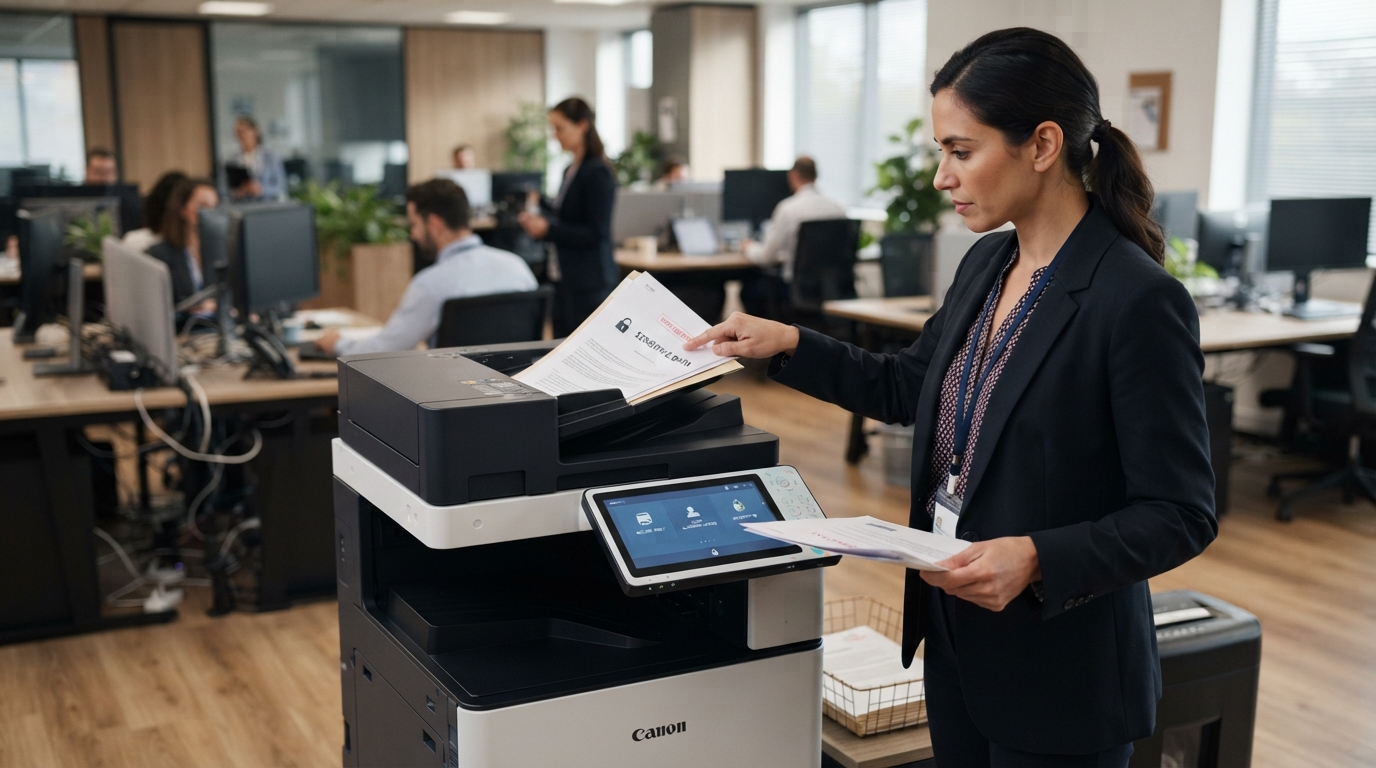
Businesses often focus on securing computers, email accounts, and servers, but office copiers also deserve attention. Modern multifunction copiers can print, scan, store, and transmit documents, which means they may handle confidential customer records, employee information, financial reports, and internal business plans.
Understanding copier security helps businesses protect sensitive information while keeping everyday office workflows convenient. For organizations in Riverside County and San Bernardino County, a few practical precautions can make a meaningful difference.
Why Copier Security Matters
Today’s office copiers often connect to business networks and support scanning to email, shared folders, and other destinations. Depending on the model, a device may also store documents or retain information on internal storage.
If access is not properly controlled, confidential documents could be exposed through unattended printouts, misconfigured network settings, unauthorized users, or equipment that has not been securely prepared for disposal.
Copier security should therefore be part of your broader IT and document-management strategy.
1. Control Who Can Use the Copier
Not every employee needs access to every function. Depending on your copier’s capabilities, administrators may be able to establish user authentication, access permissions, or department-specific settings.
For example, a business may want to restrict certain functions to authorized employees or require users to authenticate before releasing confidential print jobs.
Ask your copier provider which access controls your equipment supports and whether they require additional software or configuration.
2. Protect Confidential Print Jobs
Documents can be exposed when employees send them to a shared copier and leave them unattended in the output tray.
Secure print release, when supported, can require a user to authenticate at the device before a job prints. This helps reduce the chance of confidential documents being collected by the wrong person.
Employees should also collect printed documents promptly, check the selected printer before submitting sensitive jobs, and avoid leaving paperwork in common areas.
3. Secure Scan Destinations
Scanning is convenient, but sending documents to the wrong email address or shared folder can expose sensitive information.
Review your scan-to-email and scan-to-folder settings. Limit access to destinations that contain confidential records, and confirm that employees understand which locations are approved for different document types.
Businesses should also review permissions on shared folders and follow established data-handling policies.
4. Keep Firmware and Configurations Updated
Manufacturers may release firmware updates to address security issues, improve functionality, or maintain compatibility.
Ask who is responsible for checking and applying supported updates. Your IT team and copier service provider should coordinate updates in a way that considers security requirements and operational continuity.
Default passwords and unnecessary services should also be reviewed. Configuration changes should be made by authorized personnel who understand the device and network environment.
5. Secure the Network Connection
A network-connected copier should be configured according to your organization’s IT security policies.
Depending on your environment, appropriate safeguards may include network segmentation, restricted administrative access, secure communication protocols, and disabling unused services.
Avoid connecting equipment to sensitive networks without first confirming the required settings with your IT administrator.
6. Understand Internal Storage and End-of-Lease Procedures
Some copiers have internal storage that may retain document data or job information. Storage capabilities vary by model, so consult the manufacturer’s documentation.
Before returning, selling, or disposing of a copier, establish a documented process for reviewing and securely removing stored information where supported. Follow the manufacturer’s procedures and any applicable organizational requirements.
If your copier is leased, ask your provider how stored data is handled when the equipment is returned.
7. Train Employees on Safe Printing
Technology alone cannot prevent every mistake. Employees should understand how to collect confidential documents, verify scan destinations, report unusual device behavior, and avoid sharing credentials.
A short written procedure near shared equipment can help reinforce these practices.
Questions to Ask Your Copier Provider
When reviewing equipment or service options, ask whether the copier supports secure print release, user authentication, administrative access controls, encrypted communications, and secure storage-management functions.
Also clarify which security tasks are included in service and which remain the responsibility of your IT team.
Features differ across Kyocera, Xerox, Sharp, Ricoh, Canon, and other brands, so confirm capabilities for the specific model rather than assuming all machines offer the same protections.
Make Copier Security Part of Your Office Plan
A secure printing environment combines suitable equipment, thoughtful configuration, employee training, and clear procedures for maintenance and equipment retirement.
Printer Copier Guys helps businesses in the Inland Empire evaluate copier and printer needs, including leasing, rental, repair, and maintenance options. If your organization is reviewing its office equipment, consider security alongside print speed, scanning capabilities, operating costs, and service support.
Need help evaluating your office copier setup? Contact Printer Copier Guys to discuss equipment options and the features your business may need to support safer document workflows.