
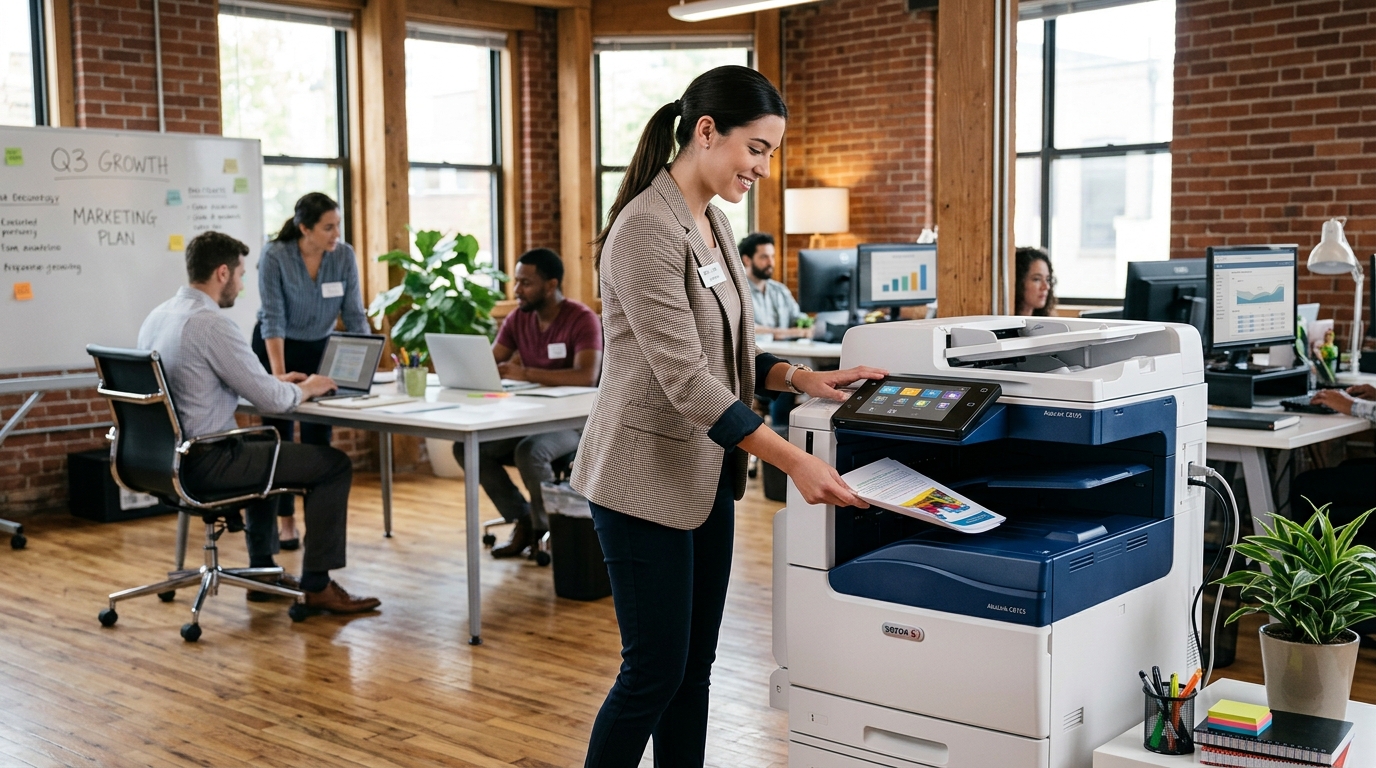
As a small business grows, its printing needs often change. More employees, additional customers, and expanding administrative tasks can put pressure on existing equipment. Choosing suitable Xerox copiers may help businesses evaluate the capacity, scanning capabilities, and workflow features needed to support that growth.
For businesses in Riverside County and San Bernardino County, the best equipment choice starts with understanding current demands and planning for realistic future requirements.
When Should a Small Business Upgrade Its Copier?
An upgrade may be worth considering if your current machine frequently jams, struggles with larger print jobs, produces inconsistent output, or lacks scanning features your employees need.
Other signs include recurring service expenses, slow document processing, limited paper capacity, or an inability to support the office’s current network and security requirements.
Before replacing the machine, determine whether maintenance or a workflow change could solve the problem. If replacement is appropriate, use your current equipment’s limitations to guide the search.
1. Choose a Copier That Fits Your Workload
Print volume should be one of the first factors you evaluate.
Estimate your monthly page count, peak demand, and expected growth. Consider the number of people sharing the device and whether printing is concentrated in particular departments.
A copier designed for a smaller workgroup may not be appropriate for an office producing large volumes of documents every day.
Compare the manufacturer’s recommended workload and the device’s paper capacity instead of choosing based on print speed alone.
2. Make Scanning Part of the Decision
Growing businesses often need to manage more contracts, invoices, customer records, and internal paperwork.
A multifunction copier can combine printing, copying, and scanning in one device. Depending on the model, features may include automatic document feeding, two-sided scanning, and network-based document distribution.
Confirm that the equipment supports your existing systems and preferred destinations. The best scanning setup is one that employees can use consistently without adding unnecessary steps.
3. Consider Color and Finishing Needs
Color printing may be useful for customer presentations, charts, marketing documents, and branded materials.
If your business primarily produces internal paperwork, black-and-white printing may be sufficient for most jobs. Some offices benefit from having both capabilities, depending on their requirements.
Finishing options such as stapling or booklet production may also be useful, but only if your team regularly produces those types of documents.
Compare the actual model configurations and operating costs before deciding.
4. Review Security and Network Compatibility
As your business grows, more employees may need access to shared printing and scanning resources.
Review supported security features, including user authentication, secure print release, administrative controls, and storage-management capabilities where available.
Coordinate with your IT provider to verify network compatibility, access permissions, and approved scan destinations.
This is especially important when copiers handle confidential financial, employee, or customer information.
5. Compare the Total Cost of Ownership
A copier’s total cost includes more than the purchase price or lease payment.
Account for supplies, maintenance, repairs, paper, service agreements, and potential downtime. If you’re comparing multiple models, estimate costs using a similar print volume and period.
Ask whether service and supplies are included in the proposed agreement and whether any page limits or additional fees apply.
A model with a lower upfront cost may not be the best choice if it does not meet your workload or creates avoidable interruptions.
6. Decide Whether Leasing or Buying Is Better
Buying may appeal to a business that wants ownership and can cover the upfront expense.
Leasing may spread equipment payments over a specified term, but you should review the full payment commitment, service arrangements, and end-of-term requirements.
Rental can be an alternative for temporary locations or short-term projects, but it may not be the most economical arrangement for a machine needed every day over many years.
Compare the complete terms before choosing.
7. Compare Xerox With Other Manufacturers
Xerox is one of several manufacturers to consider. Kyocera, Sharp, Ricoh, and Canon also offer office printing equipment across different categories.
Compare specific models based on workload, scanning, paper handling, security, supply costs, and service support. Features and capabilities differ even within the same brand.
Ask your provider to explain how the recommended machine fits your business rather than relying on a general brand comparison.
Plan for Future Growth
Choose equipment that meets current needs while allowing reasonable room for increased printing demand. Avoid paying for unnecessary capacity, but do not underestimate your workload just to reduce the initial expense.
Review your expected growth, employee count, document processes, and budget before making a final decision.
Explore Copier Options for Your Business
The right Xerox copier should support your office’s workflow, meet your expected workload, and fit your total equipment budget.
Printer Copier Guys helps businesses in Riverside County, San Bernardino County, and the Inland Empire explore copier leasing, rental, maintenance, and repair options.
Planning an office upgrade? Contact Printer Copier Guys to discuss your printing requirements and compare suitable equipment arrangements.