
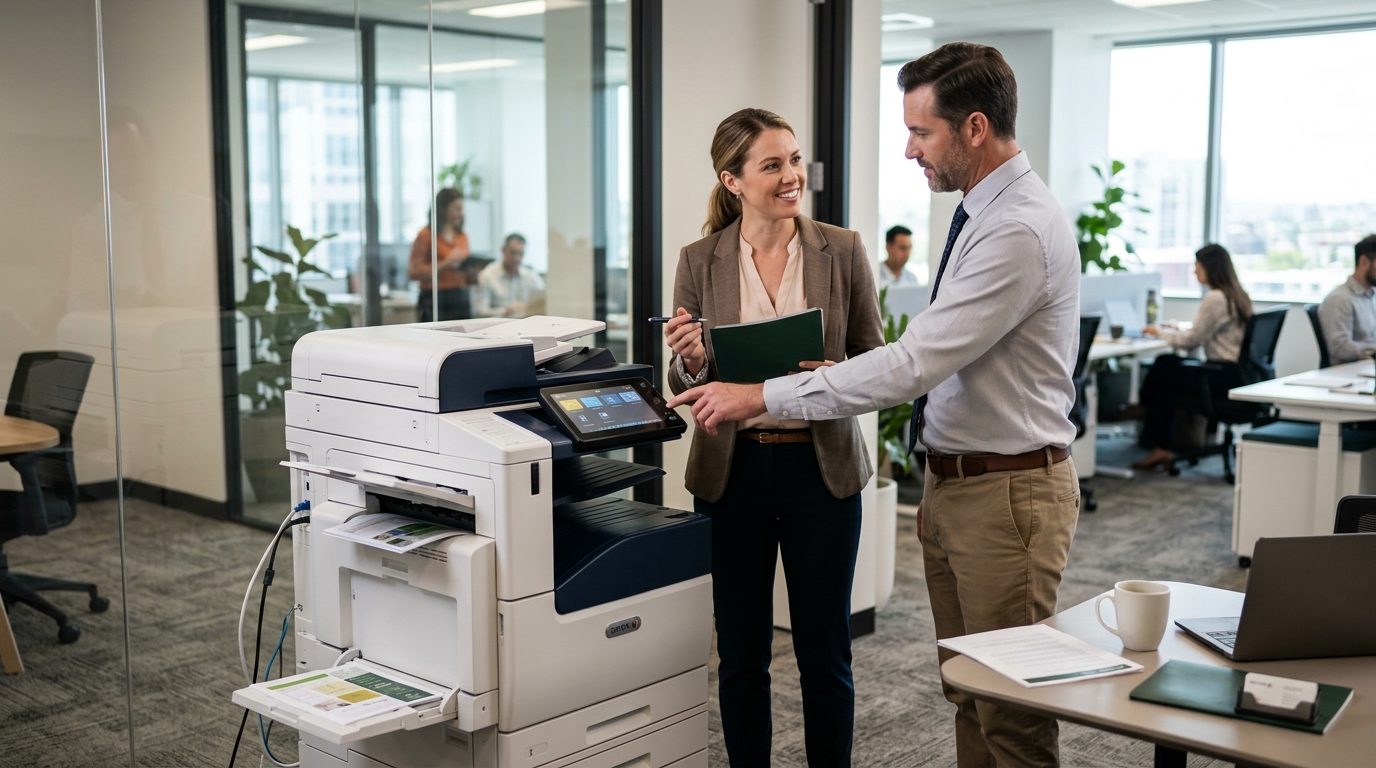
A copier lease can be a practical option for businesses that need dependable office printing without paying the full equipment cost upfront. Instead of purchasing a copier outright, a business enters an agreement to use the equipment for a specified period in exchange for scheduled payments. Depending on the agreement, service and maintenance may be arranged separately or included as part of a broader package.
For businesses in Riverside County, San Bernardino County, and the Inland Empire, understanding how copier leasing works can help you choose equipment that fits your budget, workload, and long-term plans.
What Is a Copier Lease?
A copier lease is an agreement that allows a business to use office equipment over a defined term. The contract establishes the payment schedule, duration, and other conditions governing the equipment.
Some businesses prefer leasing because it can spread equipment expenses over time. Others purchase their copiers because they prefer ownership or have the budget to make the investment upfront.
Neither option is automatically better. The right choice depends on your business’s financial situation, equipment requirements, and plans for the future.
Five Benefits of Leasing a Copier
1. Manage Upfront Equipment Expenses
Purchasing a commercial copier can require a significant initial investment. Leasing may reduce the amount of money needed at the beginning, allowing businesses to allocate available funds to staffing, inventory, marketing, or other priorities.
However, compare the total payments over the entire lease term, including any applicable fees. Lower upfront costs do not necessarily mean lower overall costs.
2. Plan Your Equipment Budget
Scheduled lease payments can make equipment expenses easier to forecast. This can be particularly useful for businesses that need to manage monthly operating budgets.
Remember that toner, paper, maintenance, repairs, and service coverage may be billed separately. Ask for a complete breakdown before comparing providers.
3. Match Equipment to Your Workload
Businesses have different printing needs. A small office may require a compact multifunction printer, while a larger organization may need a higher-capacity copier with advanced scanning and finishing capabilities.
Leasing gives businesses an opportunity to evaluate equipment options according to their expected print volume and workflow requirements.
4. Explore Newer Equipment at the End of a Term
When a lease approaches its end, the contract may provide options such as returning the equipment, purchasing it, or entering a new agreement. These choices depend on the specific contract.
Review end-of-term conditions early so you have time to compare equipment and plan for any transition.
5. Coordinate Equipment and Service
Some providers offer leasing alongside maintenance or service arrangements. Having a clear process for technical support can make it easier to manage equipment issues.
Do not assume repairs, toner, or replacement parts are included. Verify the actual coverage and exclusions in writing.
When Does Leasing Make More Sense Than Buying?
Leasing may be worth considering when your business needs commercial equipment but wants to limit the initial cash outlay. It can also appeal to offices that prefer scheduled payments and want to reassess their equipment needs at the end of a contract.
Buying may be preferable if your business has the available capital, expects to use the equipment for many years, and wants to retain ownership without ongoing lease payments.
To compare both options fairly, calculate the total cost over the same period. Include purchase price, financing costs where applicable, supplies, maintenance, repairs, and any residual value or end-of-term obligations.
What Should You Look for in a Copier?
Before choosing a device, consider the following factors.
- Monthly print volume: Estimate the number of pages your office produces.
- Color requirements: Decide whether you need color printing or primarily black-and-white output.
- Scanning capabilities: Consider automatic document feeding, two-sided scanning, and scan destinations.
- Paper capacity: Make sure the device can accommodate your routine jobs.
- Security: Review user authentication, secure print options, and network compatibility.
- Operating costs: Compare supplies, service, and expected maintenance expenses.
Kyocera, Xerox, Sharp, Ricoh, and Canon offer different office equipment options. Evaluate specific models against your needs rather than choosing solely by brand name.
Questions to Ask Before Signing
Before committing to a copier lease, ask:
- What is the full contract term?
- What is the total payment obligation?
- Are service, labor, and parts included?
- Are toner and other supplies included?
- Are there monthly minimums or excess-page charges?
- What happens when the agreement ends?
- Are there early termination fees?
- What happens if our business moves or grows?
Request written answers and read the contract carefully.
Choosing a Local Copier Provider
A provider familiar with the Inland Empire may be able to help assess your printing needs and discuss equipment and service options. Confirm the provider’s service area, available models, maintenance arrangements, and support procedures before making a decision.
Printer Copier Guys helps businesses explore copier leasing, rental, maintenance, and repair solutions based on their equipment requirements.
Is a Copier Lease Right for You?
A copier lease can be useful when your business values predictable equipment payments and wants to avoid a large upfront purchase. The best agreement, however, is one that fits your workload, budget, and future plans without unnecessary costs.
Ready to explore your options? Contact Printer Copier Guys to discuss your office printing requirements and compare copier leasing solutions for your business.