
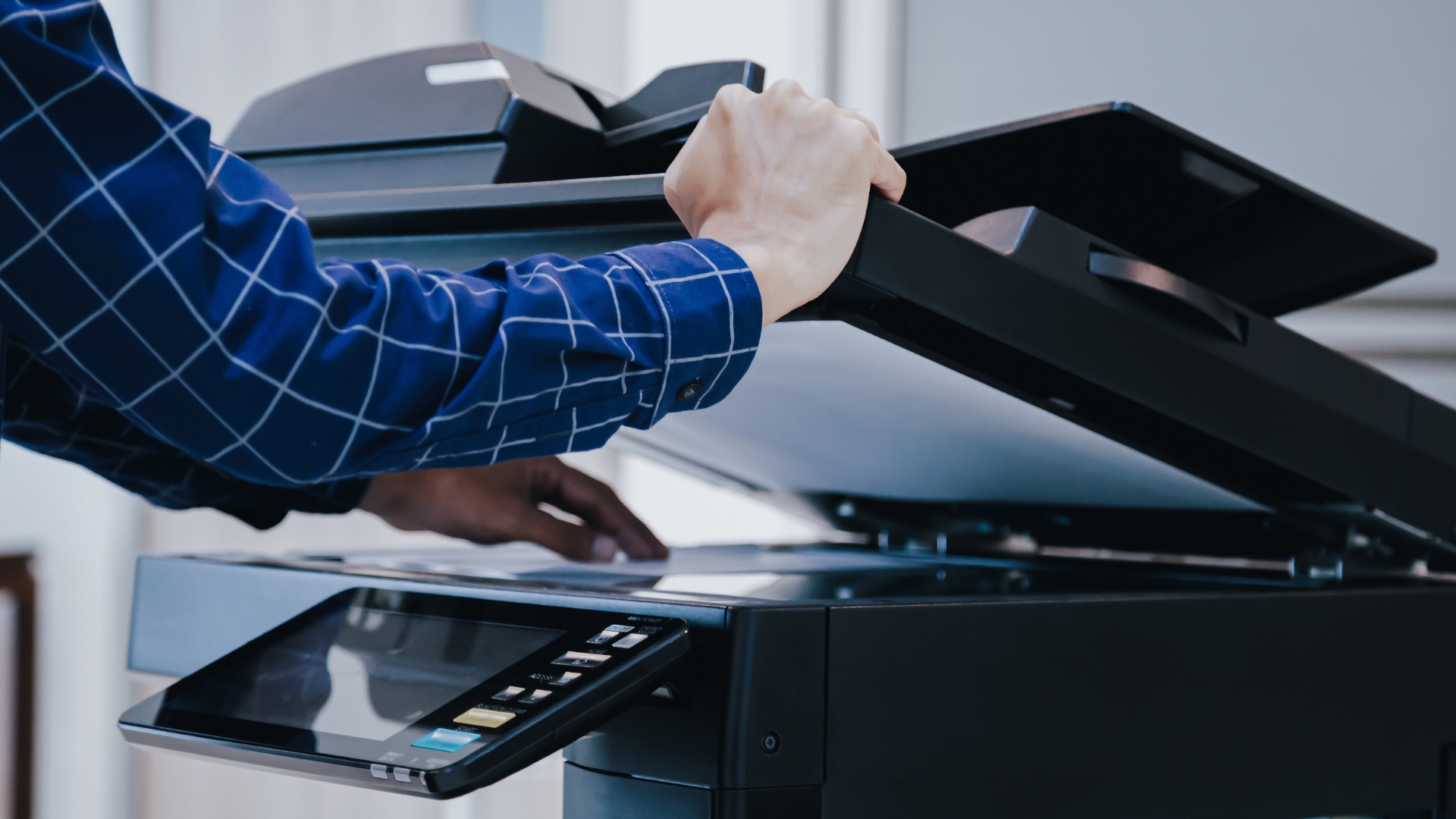
There’s never a “good” time for a copier jam.
But somehow, it always seems to happen right before an important client presentation, during a busy Monday morning, or when someone’s trying to print a stack of invoices five minutes before a deadline.
One employee opens the paper tray. Another restarts the machine. Someone else starts pulling crumpled paper out from the side door while the entire office waits for the copier to cooperate.
Sound familiar?
The truth is, copier paper jams are one of the most common office copier problems businesses deal with every day. The good news? Most of them are completely preventable.
In many cases, recurring jams happen because of small maintenance issues, paper problems, or simple day-to-day habits that slowly affect copier performance over time.
In this guide, we’ll break down the most common reasons your copier keeps jamming, practical ways to prevent it, and when it’s time to call a professional copier repair service.
Common Reasons Your Copier Keeps Jamming
Not every paper jam means your copier is broken. Sometimes the issue is surprisingly simple.
Here are the most common causes of recurring copier paper jams in office environments.
Poor Paper Quality
Believe it or not, the paper you use matters a lot.
Many offices try to save money by purchasing cheaper paper in bulk, but low-quality paper is one of the biggest causes of copier and printer paper jam problems.
Cheap paper can create several issues:
- Bent or curled edges
- Excess paper dust
- Uneven paper thickness
- Moisture absorption
- Weak paper fibers
When paper isn’t smooth and consistent, your copier struggles to feed sheets properly through the rollers. That’s when pages misalign, stick together, or get stuck halfway through the machine.
Even slightly damaged paper can create problems. If a ream of paper has been sitting open for weeks or has folded corners, your copier may have trouble grabbing it correctly.
Quick Tip:
Use high-quality office paper that matches your copier’s recommended specifications. It may cost slightly more upfront, but it can save your office a lot of frustration and downtime.
Humidity and Moisture
Humidity is another major cause of copier paper jams — especially in offices where paper is stored improperly.
Paper naturally absorbs moisture from the air. When that happens, sheets begin sticking together, curling, or feeding unevenly into the copier.
This is especially common during:
- Humid summer months
- Rainy weather
- Offices with poor climate control
- Storage rooms without ventilation
Moist paper often causes multiple sheets to feed at once, which quickly leads to jams inside the copier.
How to Prevent Moisture Problems:
- Store paper in a cool, dry location
- Keep paper sealed until ready to use
- Avoid storing paper near windows or vents
- Don’t leave paper exposed overnight
Even small storage changes can significantly reduce copier and printer paper jam issues.
Dirty or Worn Rollers
Your copier’s rollers do most of the heavy lifting.
These small rubber rollers are responsible for pulling paper through the machine smoothly. Over time, they collect:
- Dust
- Toner residue
- Paper particles
- Dirt from daily use
As rollers become dirty, they lose grip and struggle to feed paper correctly. Eventually, worn rollers begin slipping altogether.
This often causes:
- Misfeeds
- Crooked pages
- Partial jams
- Multiple-sheet feeding
If your office copier gets heavy daily use, worn rollers are almost guaranteed at some point.
Why Copier Maintenance Matters
Routine copier maintenance helps keep rollers clean and functioning properly before they become a larger issue.
Many businesses wait until the copier completely stops working before calling for office copier repair, but preventive maintenance is usually faster and far less expensive.
Overfilled Paper Trays
This one happens constantly in busy offices.
Someone notices the paper tray is low and stuffs an entire stack into the machine without checking alignment.
Unfortunately, overloading trays creates feeding problems almost immediately.
Common issues include:
- Misaligned paper stacks
- Excess pressure on rollers
- Paper feeding unevenly
- Multiple pages pulling at once
Using mixed paper sizes in the same tray can also confuse the copier’s feeding system.
Simple Prevention Tip:
Avoid filling trays past the recommended paper line, and always straighten paper stacks before loading them.
A few extra seconds here can prevent repeated copier paper jams later.
User Error
Sometimes the copier itself isn’t the problem.
Every office has experienced moments where someone:
- Pulls jammed paper out too quickly
- Tears paper inside the machine
- Loads paper backwards
- Uses the wrong tray settings
- Forces open copier doors
And honestly, it happens. Most employees aren’t copier technicians.
But incorrect handling can make small jams much worse.
For example, torn paper left inside the machine can trigger repeated jams in the same area for days until it’s fully removed.
Helpful Reminder:
If a jam occurs, follow the copier’s on-screen instructions carefully instead of forcing paper out aggressively.
A little patience can prevent bigger repair issues later.
Simple Ways to Prevent Copier Paper Jams
The good news is that most copier jams are preventable with a few consistent office habits.
Here are some practical printer maintenance tips that can help keep your copier running smoothly.
Use High-Quality Office Paper
This is one of the easiest and most effective ways to reduce jams.
Choose paper designed specifically for office copiers and printers. Quality paper feeds more consistently and creates less dust buildup inside the machine.
Avoid:
- Damp paper
- Curled sheets
- Torn pages
- Extremely thin paper
Your copier will perform much better with clean, properly stored paper.
Fan Paper Before Loading Trays
This simple trick actually helps a lot.
Before placing paper into the tray, gently fan the stack to separate the sheets slightly. This reduces static and helps prevent multiple pages from feeding together.
It only takes a few seconds but can make a noticeable difference.
Store Paper Properly
As mentioned earlier, moisture is a major contributor to copier paper jams.
Try storing unused paper:
- In sealed packaging
- Away from humidity
- Off the floor
- In climate-controlled spaces
Proper storage helps maintain paper quality and improves feeding reliability.
Keep Rollers Clean
Dirty rollers are one of the most overlooked copier maintenance issues.
Routine cleaning helps remove dust and toner buildup before it affects performance.
Some businesses clean rollers internally, while others rely on a copier service company for scheduled maintenance.
Either way, keeping rollers clean greatly reduces recurring jams.
Avoid Overloading Paper Trays
More paper doesn’t mean better efficiency.
Overfilled trays place unnecessary strain on your copier’s feeding system and increase the likelihood of jams.
Instead:
- Load paper evenly
- Align stacks properly
- Stay below maximum tray limits
Your copier will thank you for it.
Schedule Routine Copier Maintenance
This is one of the smartest things a business can do.
Routine copier maintenance helps identify worn parts before they fail completely. During a maintenance visit, technicians can inspect:
- Feed rollers
- Sensors
- Internal paper paths
- Toner buildup
- Worn components
Preventive service helps reduce downtime and extend the life of your equipment.
Businesses that stay proactive with maintenance often experience far fewer emergency repair calls.
Replace Worn Parts Early
Copiers are like cars — certain parts naturally wear down over time.
Waiting too long to replace rollers, feed kits, or internal components can lead to:
- Frequent jams
- Poor print quality
- System errors
- Unexpected breakdowns
A professional copier repair service can spot these issues early and recommend replacements before they create bigger problems.
When It’s Time to Call a Copier Repair Technician
Some jams are minor.
Others are signs of a deeper mechanical issue.
If your copier is experiencing any of the following problems regularly, it may be time to call an office copier repair professional.
Frequent Jams in the Same Area
If paper constantly jams in the exact same location, there’s likely an issue with:
- Rollers
- Sensors
- Feed assemblies
- Internal alignment
Recurring jams usually don’t fix themselves.
Grinding or Unusual Noises
Copiers shouldn’t make loud grinding, clicking, or squealing noises.
These sounds often indicate worn mechanical parts or paper path issues that require professional service.
Torn Paper Inside the Machine
If paper repeatedly tears during jams, small fragments may remain inside the copier.
These hidden pieces can trigger constant feeding problems until removed properly.
Error Codes Keep Appearing
Modern copiers are designed to detect internal issues automatically.
If your machine continuously displays:
- Jam errors
- Feed errors
- Tray malfunctions
- Roller warnings
…it’s best to have a technician inspect the system before the issue worsens.
Multiple Trays Are Failing
If jams begin happening across several trays, the issue may involve:
- Worn feed rollers
- Internal sensors
- Pickup assemblies
- Overall system wear
This usually requires professional copier repair service.
Reliable Copier Repair and Maintenance from Printer Copier Guys
At Printer Copier Guys, we know how frustrating recurring copier jams can be for busy offices.
Downtime slows productivity, interrupts workflows, and creates unnecessary stress for employees trying to keep work moving.
That’s why our team focuses on fast, reliable copier repair, routine maintenance, and long-term office printing solutions that help businesses stay productive.
Whether your office needs:
- Copier repair service
- Preventive copier maintenance
- Printer troubleshooting
- Copier rentals
- Equipment upgrades
- Managed print support
…our experienced technicians are here to help.
Final Thoughts
Copier paper jams may be common, but they shouldn’t become a daily office headache.
In many cases, simple habits like using quality paper, cleaning rollers, storing paper correctly, and scheduling routine copier maintenance can dramatically reduce recurring problems.
And when jams keep happening no matter what you try, professional service can save your office time, money, and frustration.
Need help with recurring copier jams or printer issues? Contact Printer Copier Guys for fast, reliable copier repair and maintenance services to keep your office running smoothly.