
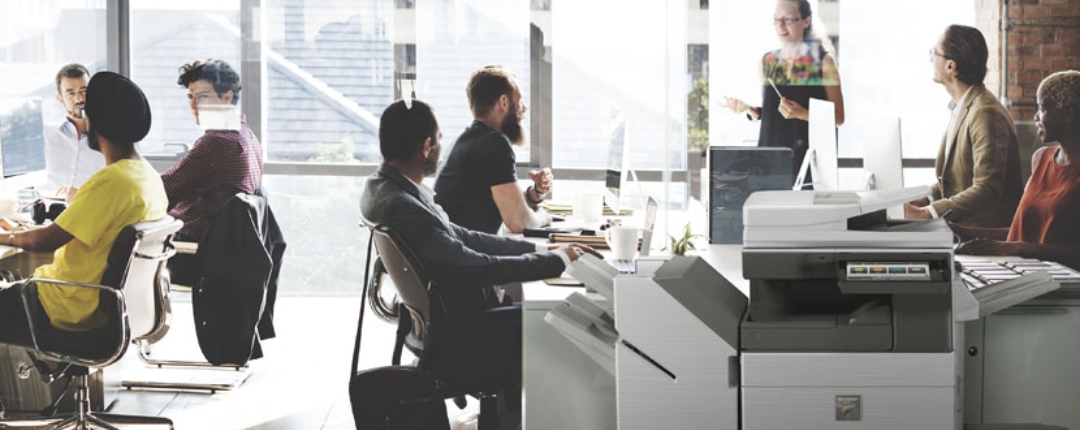
Sharp copiers are renowned for their cutting-edge technology and user-friendly features. To get the most out of your Sharp copier and ensure your office operates at peak efficiency, it’s essential to understand and utilize these features effectively.
Here’s how you can maximize efficiency with Sharp copier features and streamline your office tasks.
1. Utilize the Advanced Scanning Options
Sharp copiers come equipped with advanced scanning features that can significantly boost your productivity. Use the document feeder to scan multiple pages at once, and take advantage of features like duplex scanning, which allows you to scan both sides of a document in one pass. You can also save time by scanning directly to email, cloud storage, or network folders, eliminating the need for manual file transfers.
2. Leverage Document Management Tools
Sharp copiers offer robust document management tools that can simplify your workflow. Features like OCR (Optical Character Recognition) allow you to convert scanned documents into editable text, making it easier to search, edit, and share information. Use these tools to organize documents efficiently and reduce the time spent on manual data entry.
3. Customize User Settings
Most Sharp copiers allow you to customize user settings to suit your specific needs. Set up user profiles with personalized preferences, such as default print settings, frequently used shortcuts, and preferred scan destinations. By tailoring the copier to fit your workflow, you can streamline processes and reduce the time spent adjusting settings for each job.
4. Take Advantage of Wireless Connectivity
Modern Sharp copiers come with wireless connectivity options that can enhance your office’s efficiency. Connect your copier to your office network and use features like mobile printing and scanning. This allows you to print documents from your smartphone or tablet and scan directly to your email or cloud services, providing flexibility and convenience for all users.
5. Implement Energy-Saving Features
Sharp copiers are designed with energy-saving features that help reduce your office’s environmental footprint and lower operational costs. Enable features like automatic duplex printing to reduce paper consumption, and use the energy-saving mode to minimize power usage when the copier is idle. These practices not only benefit the environment but also contribute to cost savings on energy bills.
6. Regularly Update Firmware
Keeping your Sharp copier’s firmware up to date is crucial for maintaining its performance and security. Regular updates often include enhancements, new features, and bug fixes that can improve efficiency and functionality. Check for updates periodically and apply them as needed to ensure your copier remains in optimal condition.
7. Use the Job Management Features
Sharp copiers come with job management features that help you track and manage print jobs effectively. Utilize features like print job scheduling, which allows you to set specific times for printing, and job queuing to manage multiple print jobs. These tools help you optimize printer usage and avoid bottlenecks during busy periods.
8. Monitor and Manage Consumables
Effective management of consumables, such as toner and paper, is key to maintaining efficiency. Sharp copiers often include alerts for low toner and paper levels, allowing you to reorder supplies before they run out. Regularly check these levels and keep track of usage to prevent interruptions and ensure smooth operation.
Conclusion
Maximizing efficiency with Sharp copier features involves understanding and utilizing the advanced functionalities available to you. By leveraging scanning options, document management tools, and customization settings, you can streamline your office workflow and enhance productivity.
Embrace wireless connectivity, implement energy-saving features, and stay on top of firmware updates to keep your Sharp copier performing at its best. With these tips, you can make the most of your Sharp copier and ensure your office runs smoothly and efficiently.